Need to Charge Your EV? First, Find the Nearest Charging Station
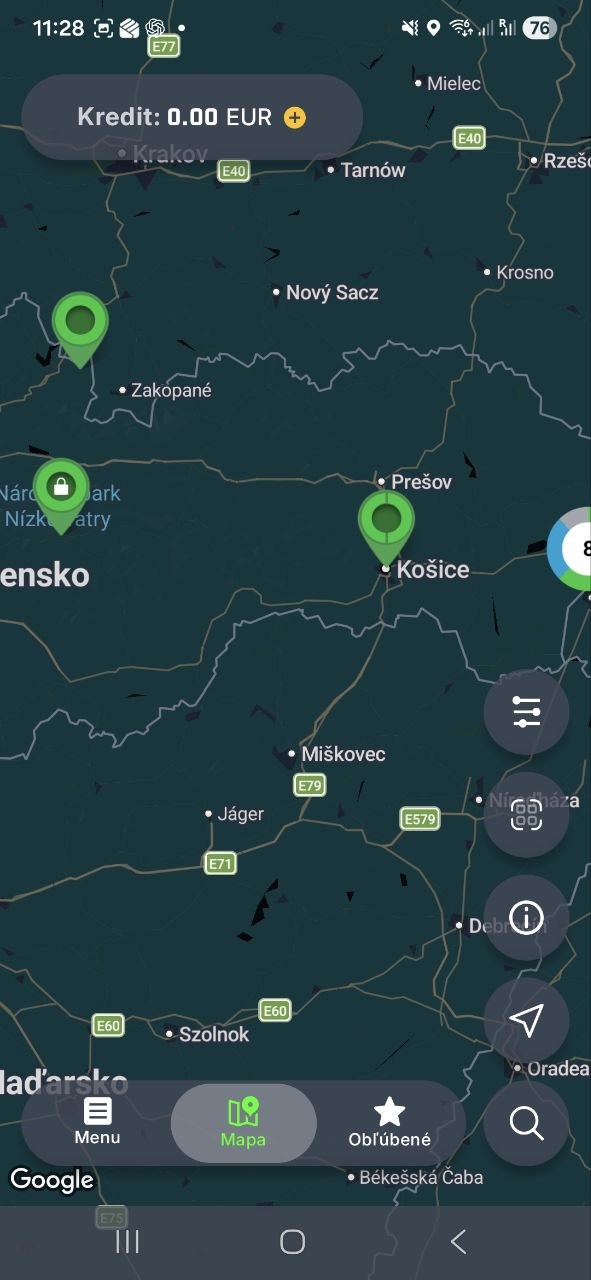
Open the UGV Chargers map, choose a suitable location and check the available charging points. You can start charging in the app or, at supported stations, as a guest via QR code.

Choose the Fastest Way to Start Charging
You do not need to go through the entire page. Choose based on what you need right now.
I Want to Charge Now
Open the map and find a suitable station by location.
Open Map →I Want to Charge Without Registration
At supported stations, use the QR code and guest mode.
How Guest Mode Works →I Want to Use the App
Map, filters, favourite stations and charging history on your phone.
Download the App →Charging in Four Steps
Find a Station
Choose a suitable location on the map or in the app.
Connect Your Vehicle
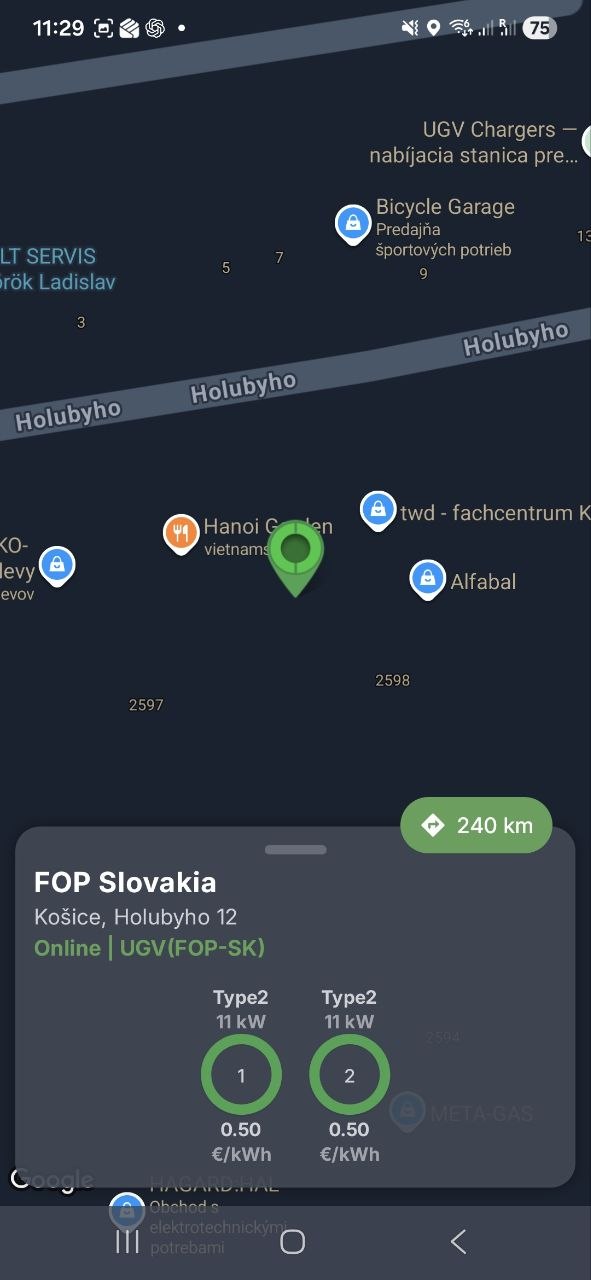
Select the appropriate charging point and connect your EV.
Start Charging
Use the app or guest mode via QR code, if available.
End the Session
When charging is complete, disconnect the vehicle and continue your journey.
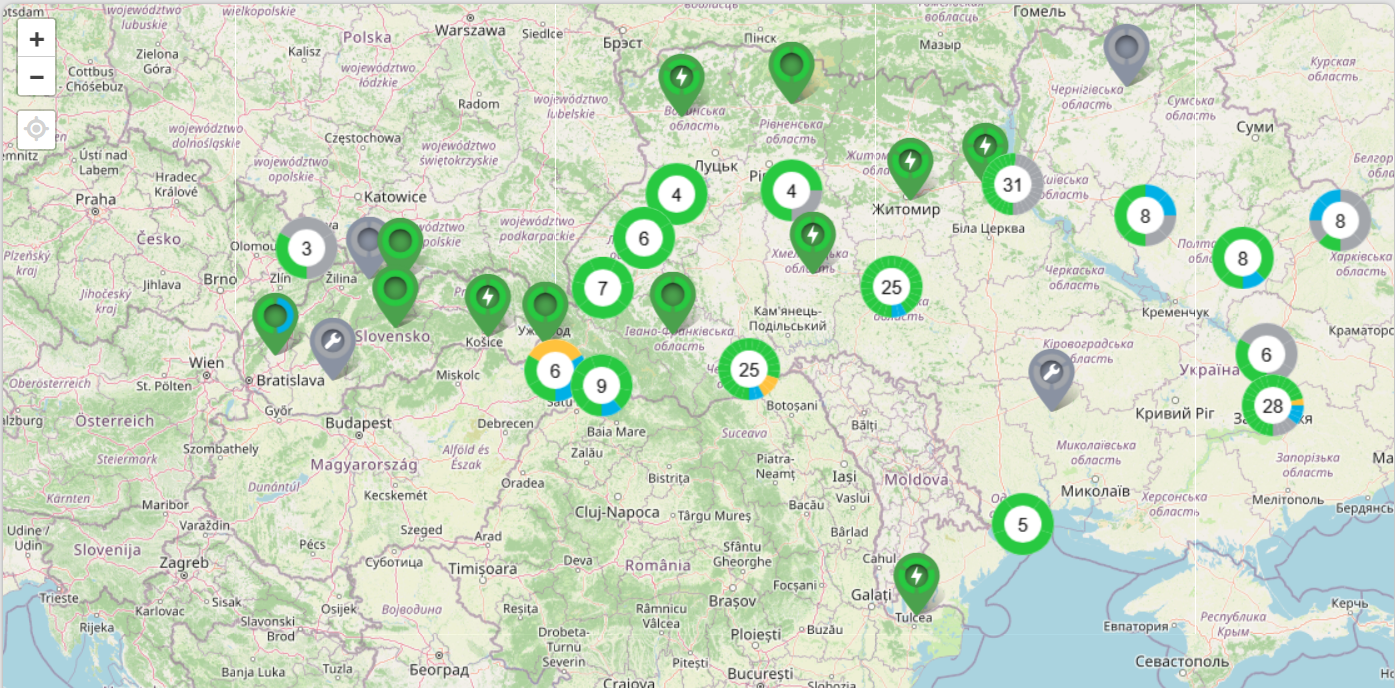
Find a Suitable Station Before You Travel
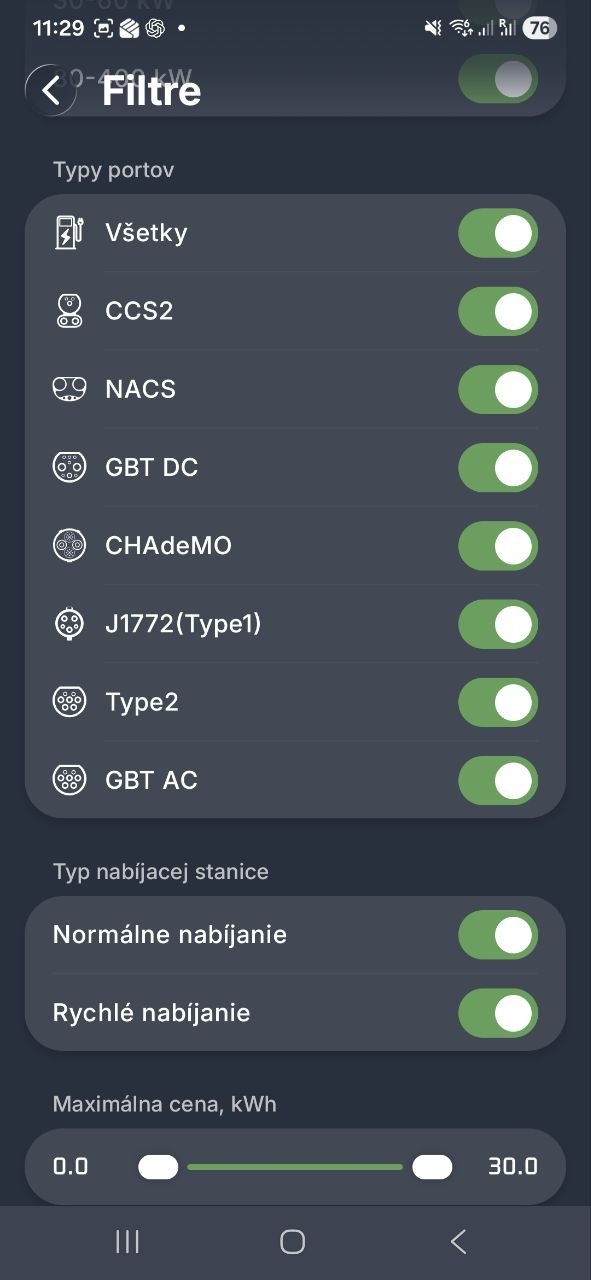
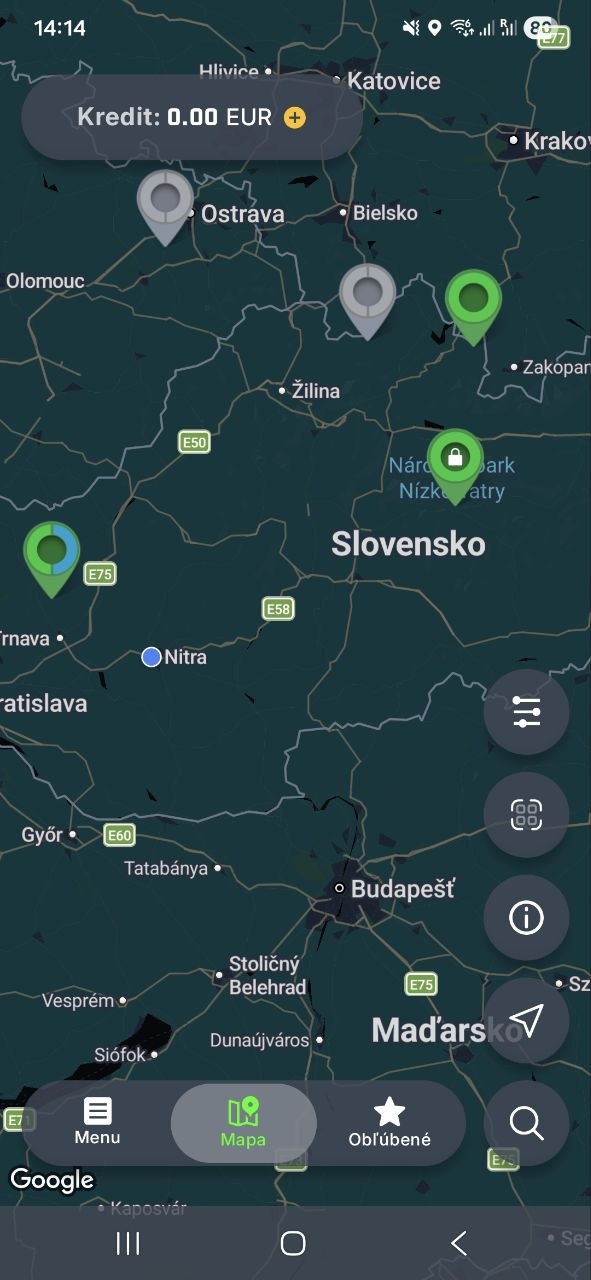
The map helps you find a charging location. In the app, you can narrow the results using available parameters, such as connector type or charging power.
Charging Without Registration
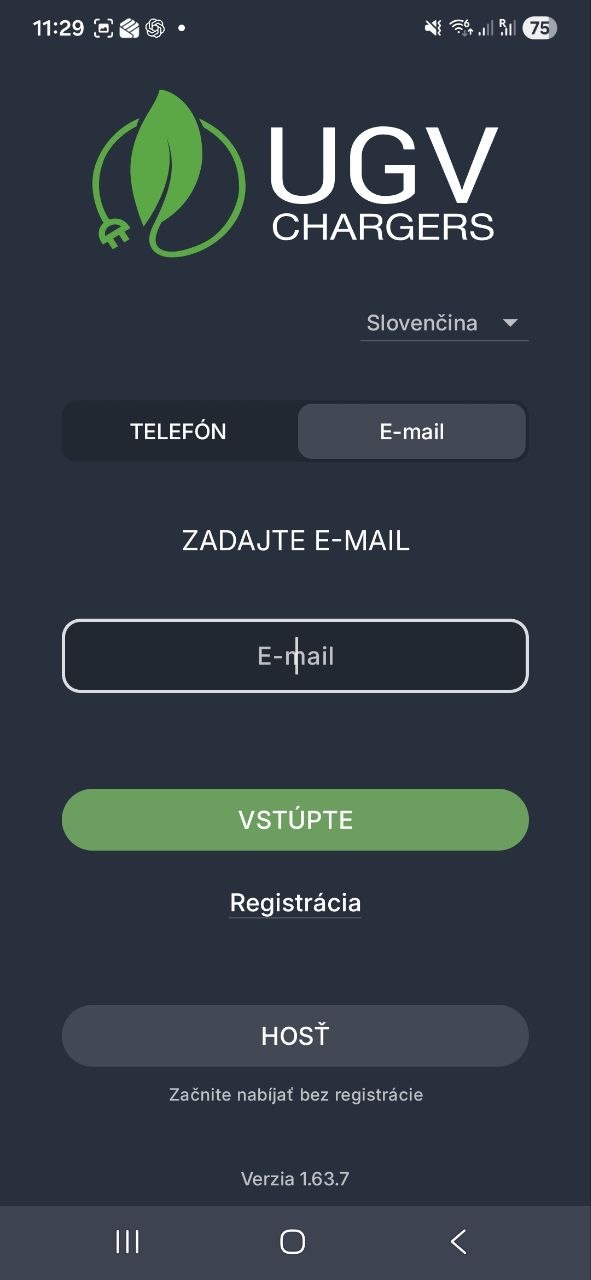
Do not have the app or do not want to create an account? At supported stations, you can continue via QR code and the web interface.
If You Charge Regularly, the App Saves You Time
UGV Chargers combines station search, charging management and an overview of your sessions in one app.
Map and Filters
Find a location and narrow your selection using available parameters.
Route to the Station
After selecting a station, continue with navigation to the location.
Favourite Stations
Save the locations you use most often.
Session History
Keep an overview of previous charging sessions in one place.
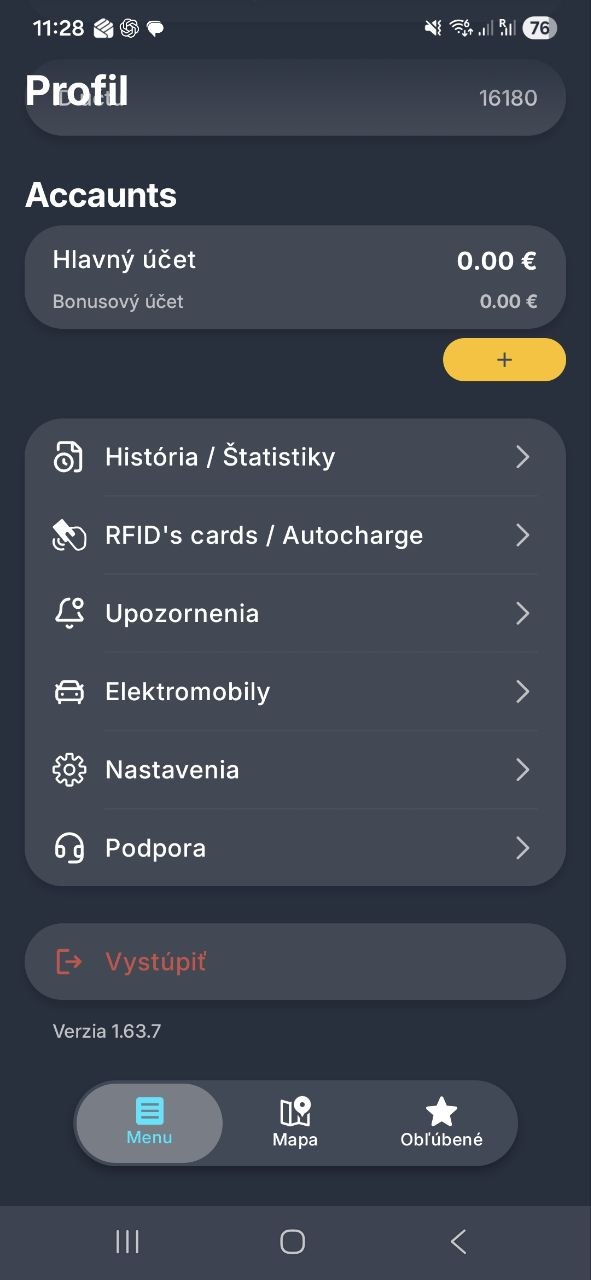
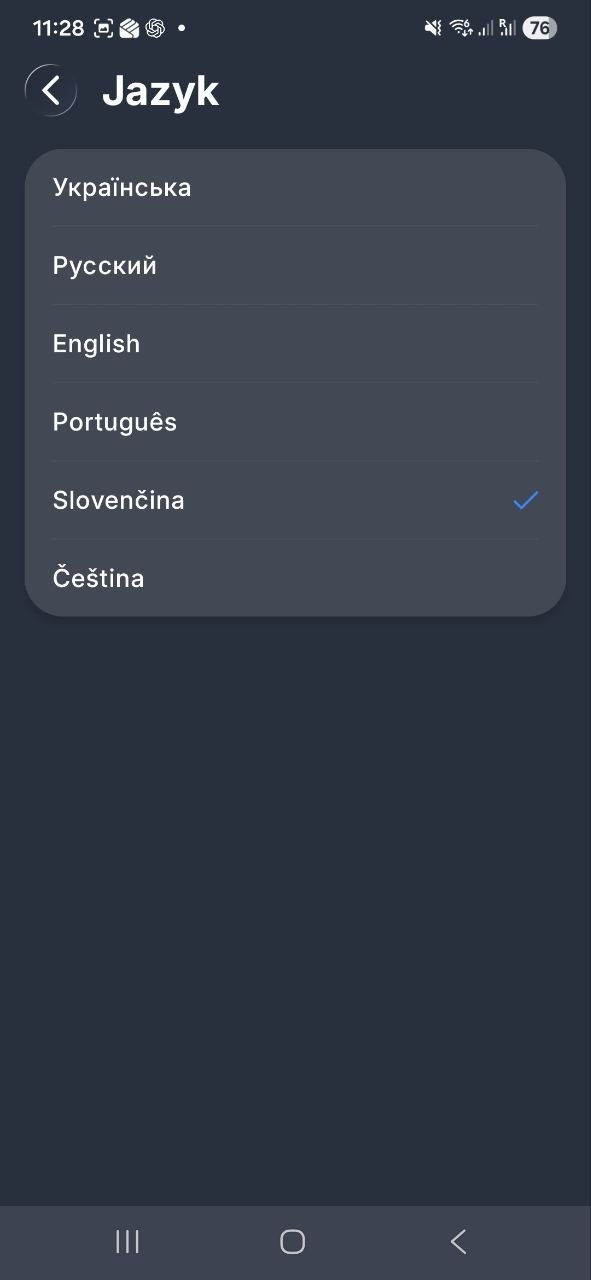
Explore the UGV Chargers Interface
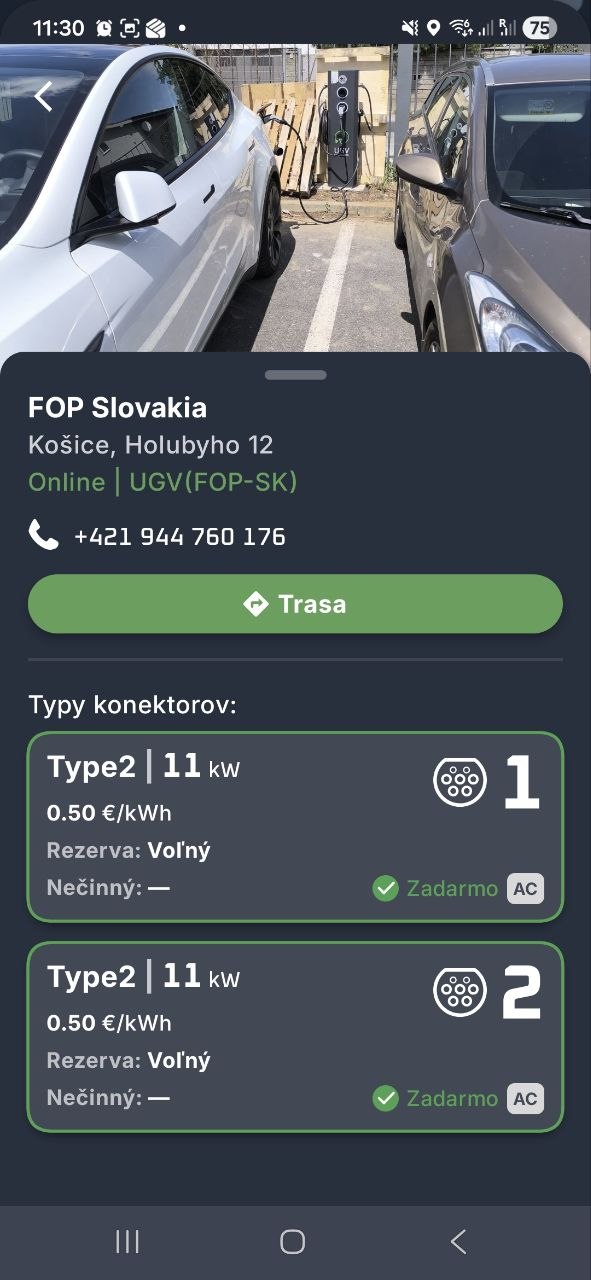
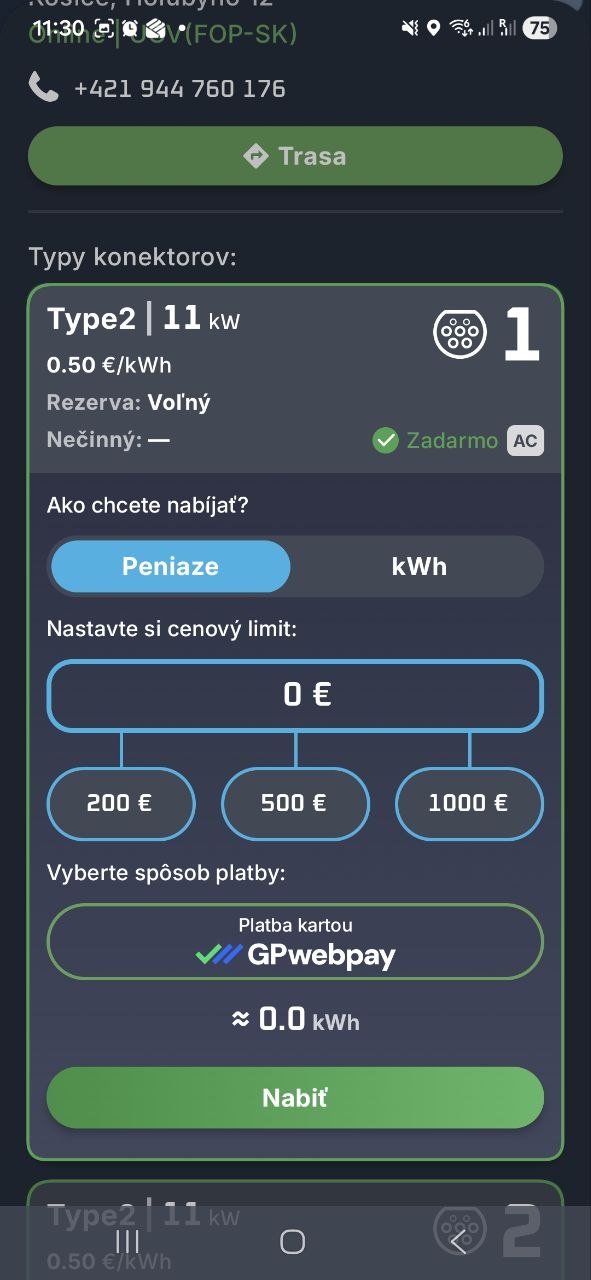
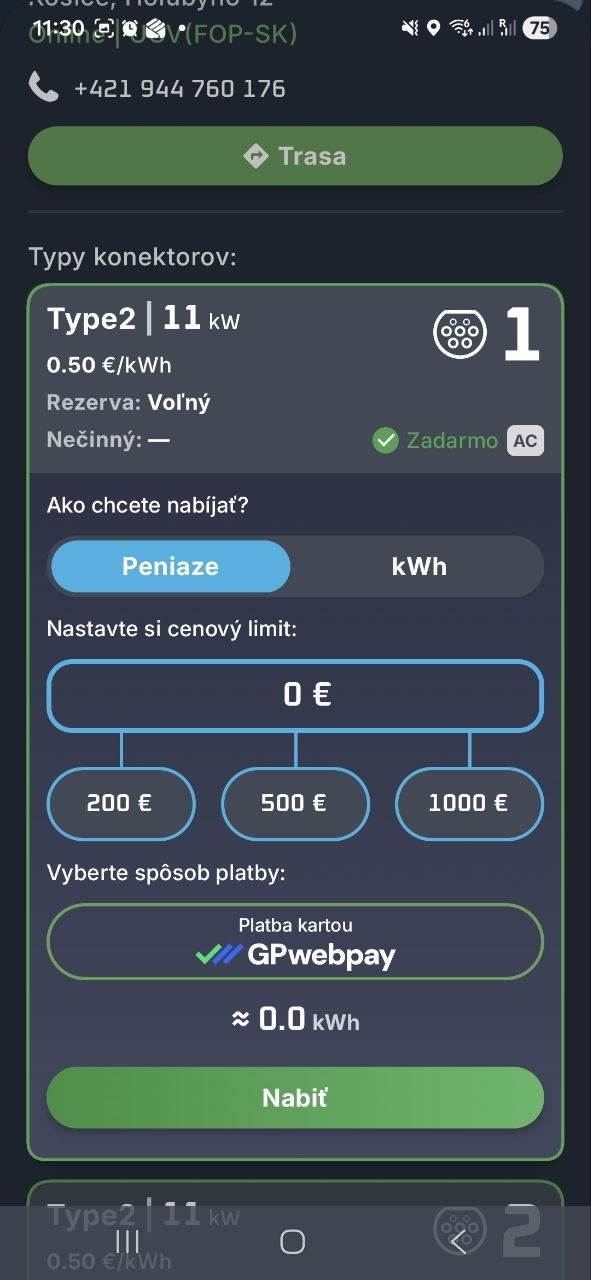
Map view, station details, filters, user profile and charging progress.
UGV Chargers App for iOS and Android
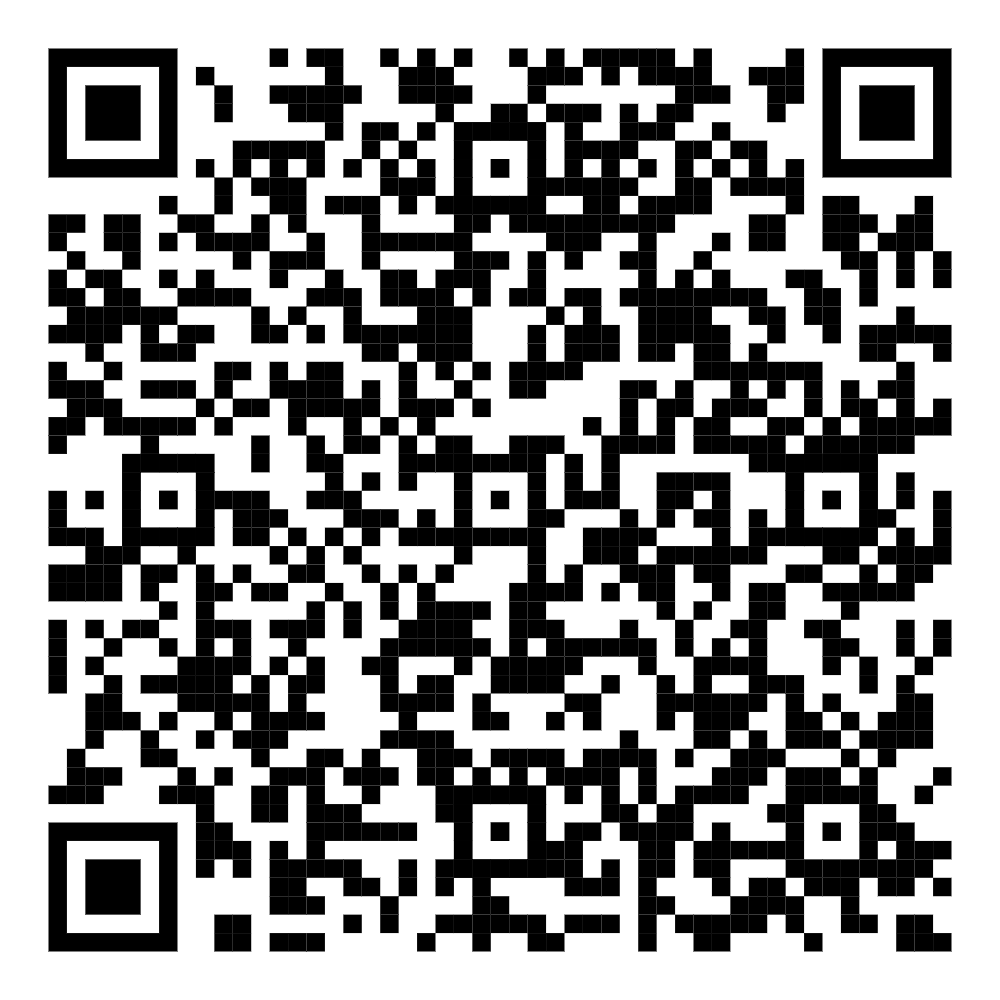
Scan the QR code or open the App Store or Google Play.